

One workspace for all your Bambara AI workflows
Manage API keys, run transcription and translation jobs, monitor usage in real time — all from a single browser-based console built for teams shipping Bambara AI.
Real-time analytics · Bambara, French & English
Everything your team needs to ship
From your first API key to production traffic, the console gives you the tools to build, test, and monitor Bambara AI without leaving your browser.
Transcription
Turn Bambara audio into accurate text using the same endpoints you deploy in production.
Speech synthesis
Preview natural Bambara voices and test output quality before it reaches your users.
Trilingual translation
Translate between Bambara, French, and English in a side-by-side editor designed for reviewers.
Usage and monitoring
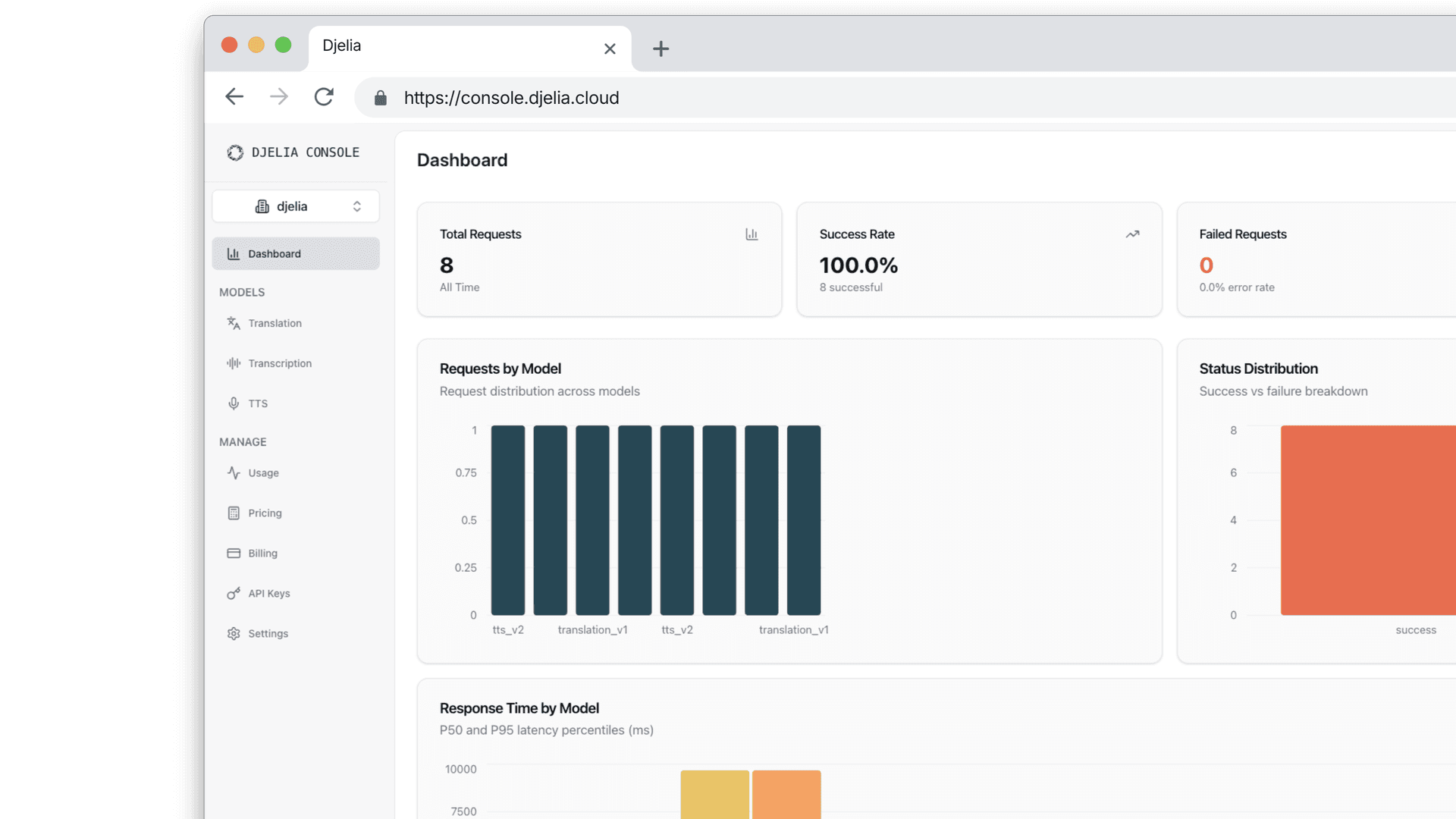
Track request volume, latency, and success rates across all models in one dashboard.
Build, monitor, and localize in one place
Three distinct modes for every stage of your workflow — so your product, language, and engineering teams stay aligned without extra tooling.
Build
Set up keys and test your integration
Create API keys, run live speech and translation requests, and validate your setup before you deploy to production.
Open ConsoleOne console, built end to end
Fewer handoffs between product, language, and infrastructure teams — everything lives in one workspace.
Access and API keys
Provision, rotate, and scope credentials without touching your codebase.
No install required
Open the console, run a job, share results — no setup, no local dependencies.
Unified billing and usage
Transcription, translation, and speech synthesis share one account and usage context.
- API key provisioning and rotation
- Live transcription, translation, and TTS testing
- Real-time request and error monitoring
- Side-by-side trilingual translation editor
- Usage analytics across all endpoints
- Bambara, French, and English support
Ready to integrate Bambara AI?
Open the console and run your first transcription, translation, or speech request in minutes.